


Артикул: S020151
В наличии - 62 шт.
NFEP пленка для Anycubic Photon Mono M5s, Photon Mono M5s Pro, Photon Mono M7 Pro и Photon Mono M7...

NFEP пленка для Anycubic Photon Mono M5s, Photon Mono M5s Pro, Photon Mono M7 Pro и Photon Mono M7...

Блок автоматической подачи смолы для Anycubic Photon Mono M7 Pro и Photon Mono M7 Блок автоматиче...

ACF пленка для Anycubic Photon Mono M5s M5s Pro M7 M7 Pro 2 шт Оригинальная ACF пленка Anycubic R...

Тензодатчик сопротивления для Anycubic Photon Mono M7 Resistance Strain Gauge Photon Mono M7 SKU ...

Ванна для смолы Anycubic Photon Mono M7 Pro и Photon Mono M7 Описание Ванна для смолы Anycubic P...
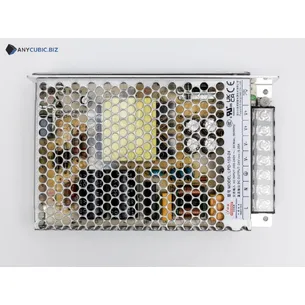
Блок питания Anycubic Photon M7 Описание Блок питания Anycubic Photon M7 это сменная электронная...
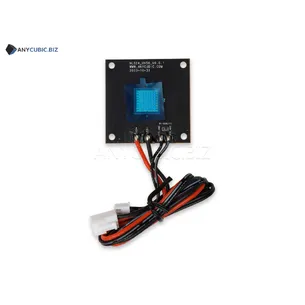
УФ светодиодный модуль для Anycubic Photon Mono M7 Описание УФ светодиодный модуль для Anycubic ...
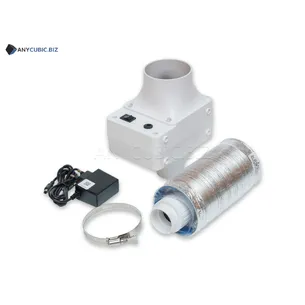
Anycubic AirPure 2.0 Anycubic AirPure 2.0 это внешняя вентиляционная система для 3D принтеров. Устр...
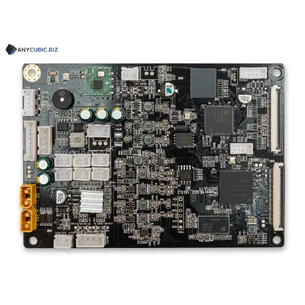
Материнская плата для Anycubic Photon Mono M7 A Описание Материнская плата для Anycubic Photon M...

Комплект для обогрева и очистки воздуха для серии Anycubic Photon Air Heat & Pure Set for Pho...
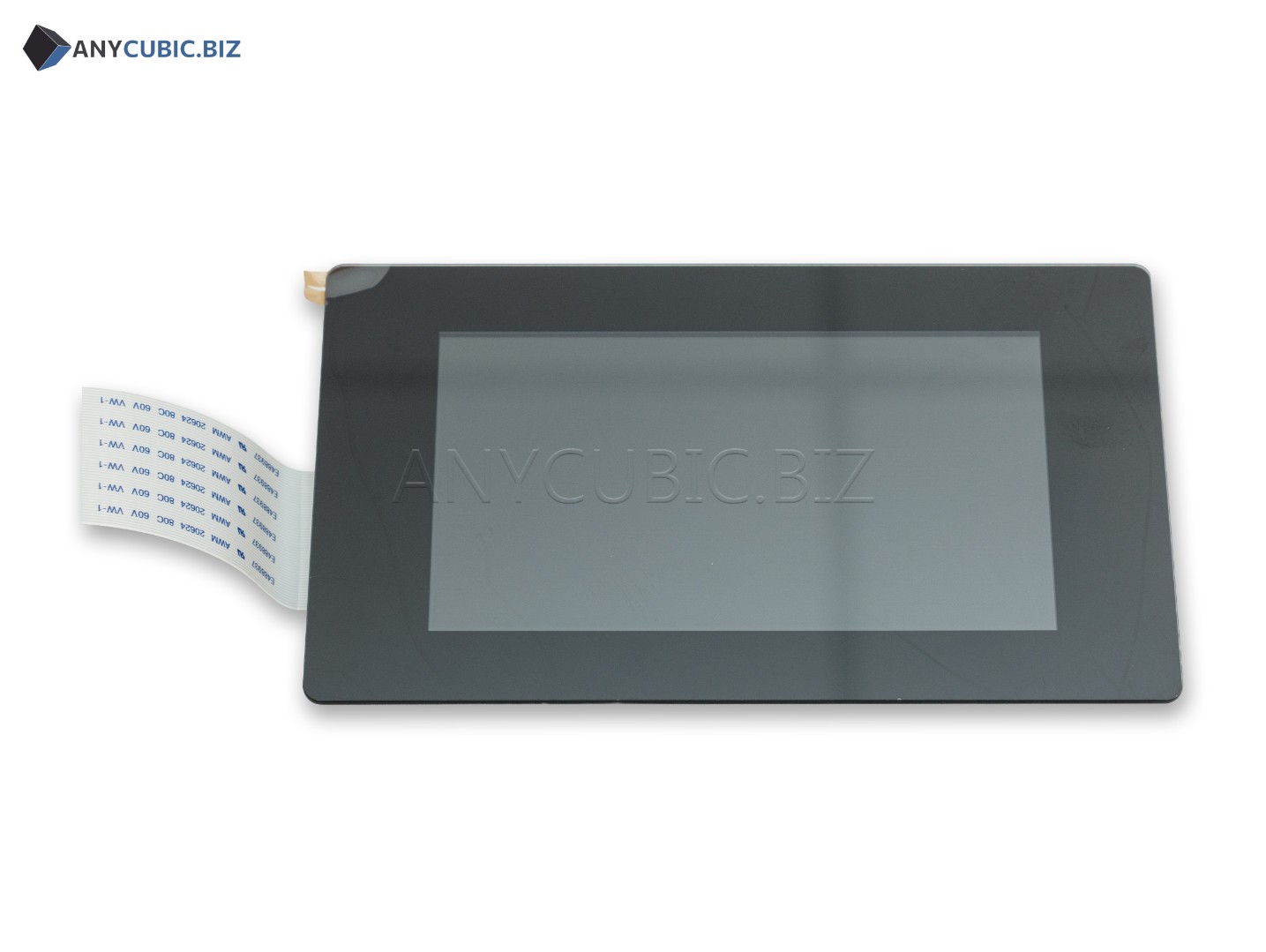
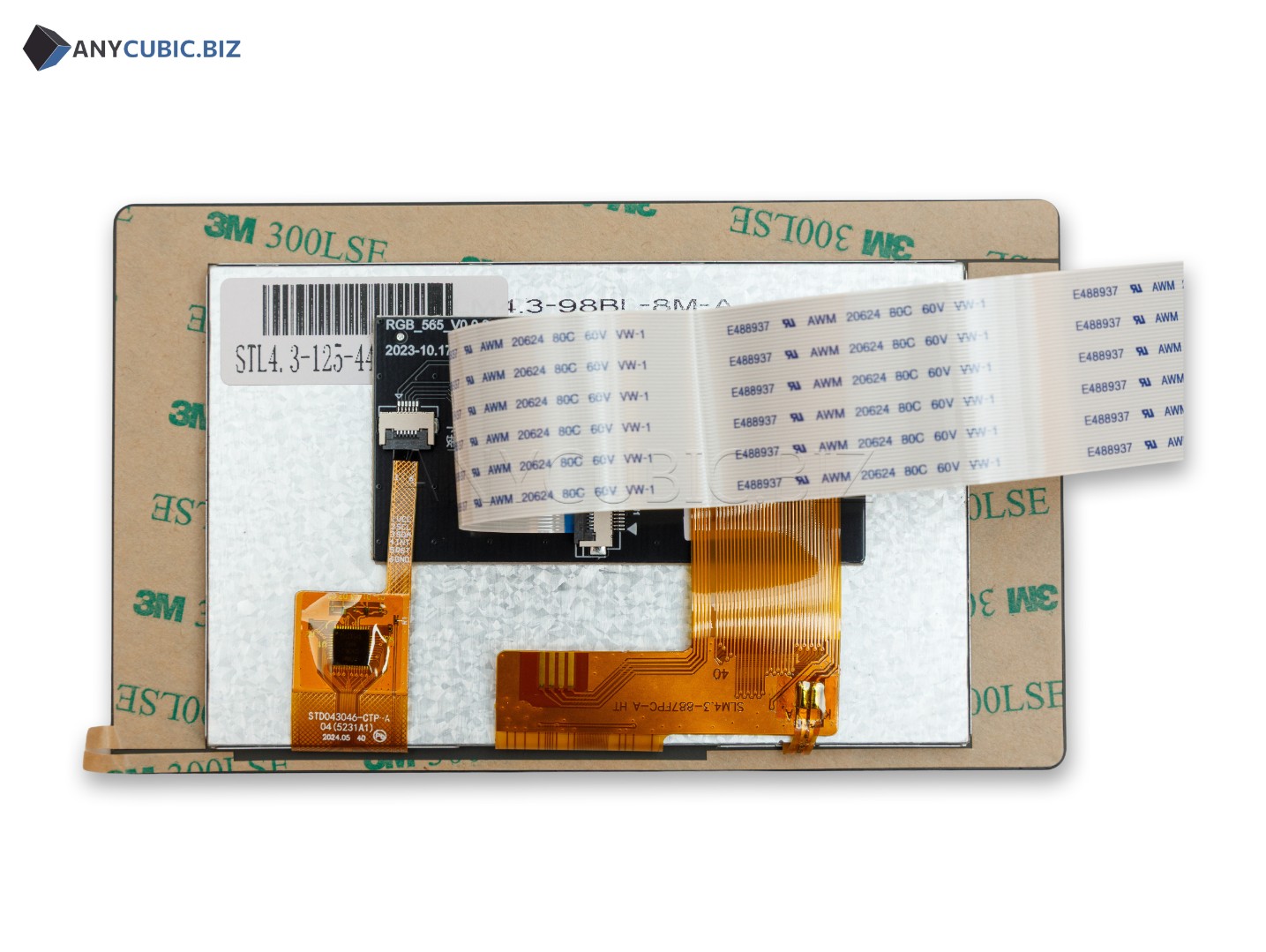
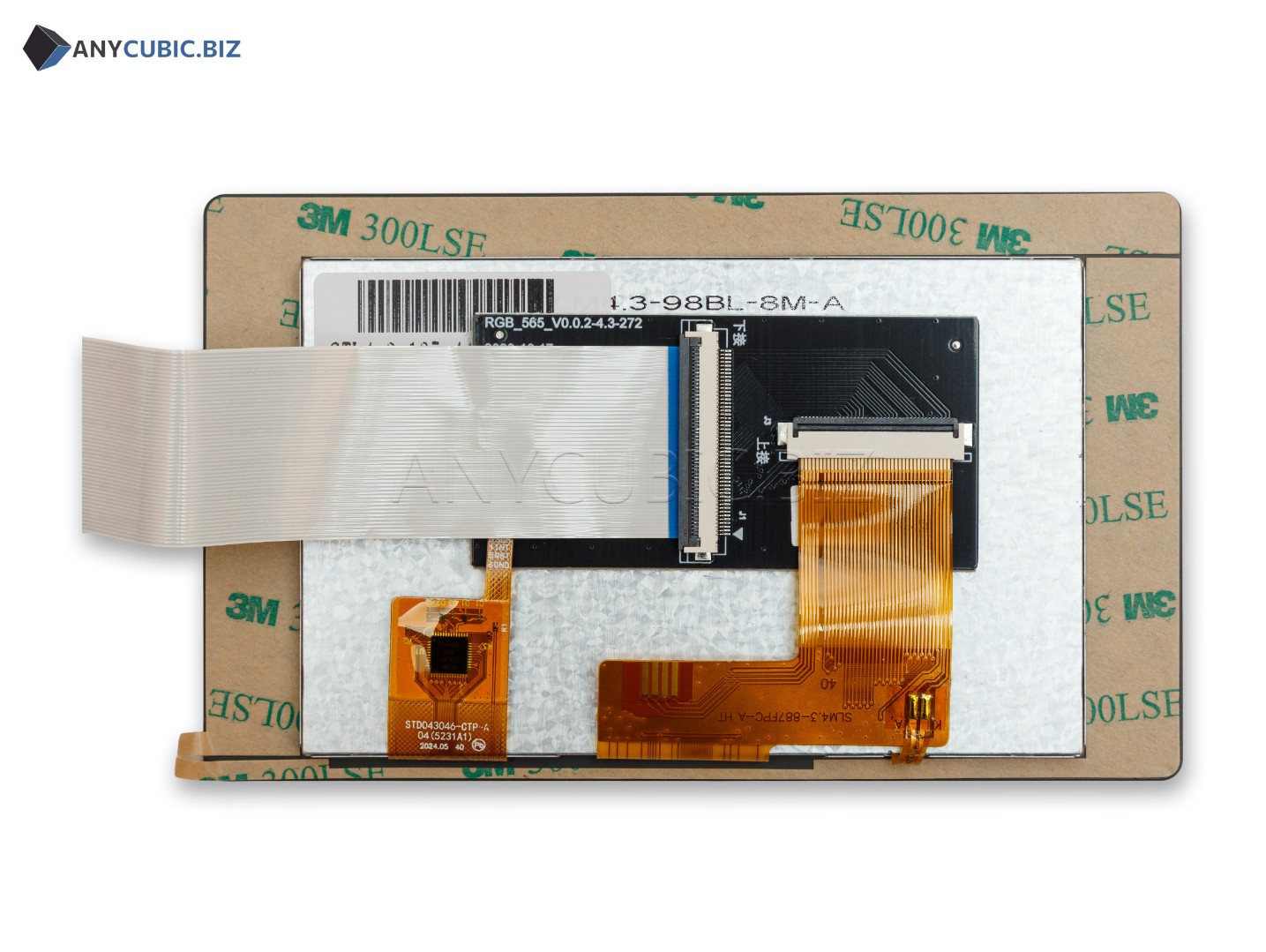
Сенсорный экран для Anycubic Photon Mono M7 это сменный экран управления для фотополимерного 3D принтера Anycubic Photon Mono M7. Деталь используется для управления настройками принтера, выбора файлов, запуска печати, контроля статуса печати и работы с меню устройства. Этот компонент нужен для восстановления нормальной работы принтера, если штатный экран управления поврежден, не реагирует на касания, показывает некорректное изображение или полностью перестал работать.
Важно понимать, что Touch Screen for Photon Mono M7 это не основной LCD экран, который формирует слой модели при засветке смолы. Это именно сенсорная панель управления. Основной LCD экран и сенсорный экран управления являются разными запчастями, поэтому при заказе нужно правильно выбирать деталь под конкретную неисправность.
| Тип товара | Сенсорный экран управления |
| Английское название | Touch Screen for Photon Mono M7 |
| Альтернативное название | Control Screen for Anycubic Photon Mono M7 |
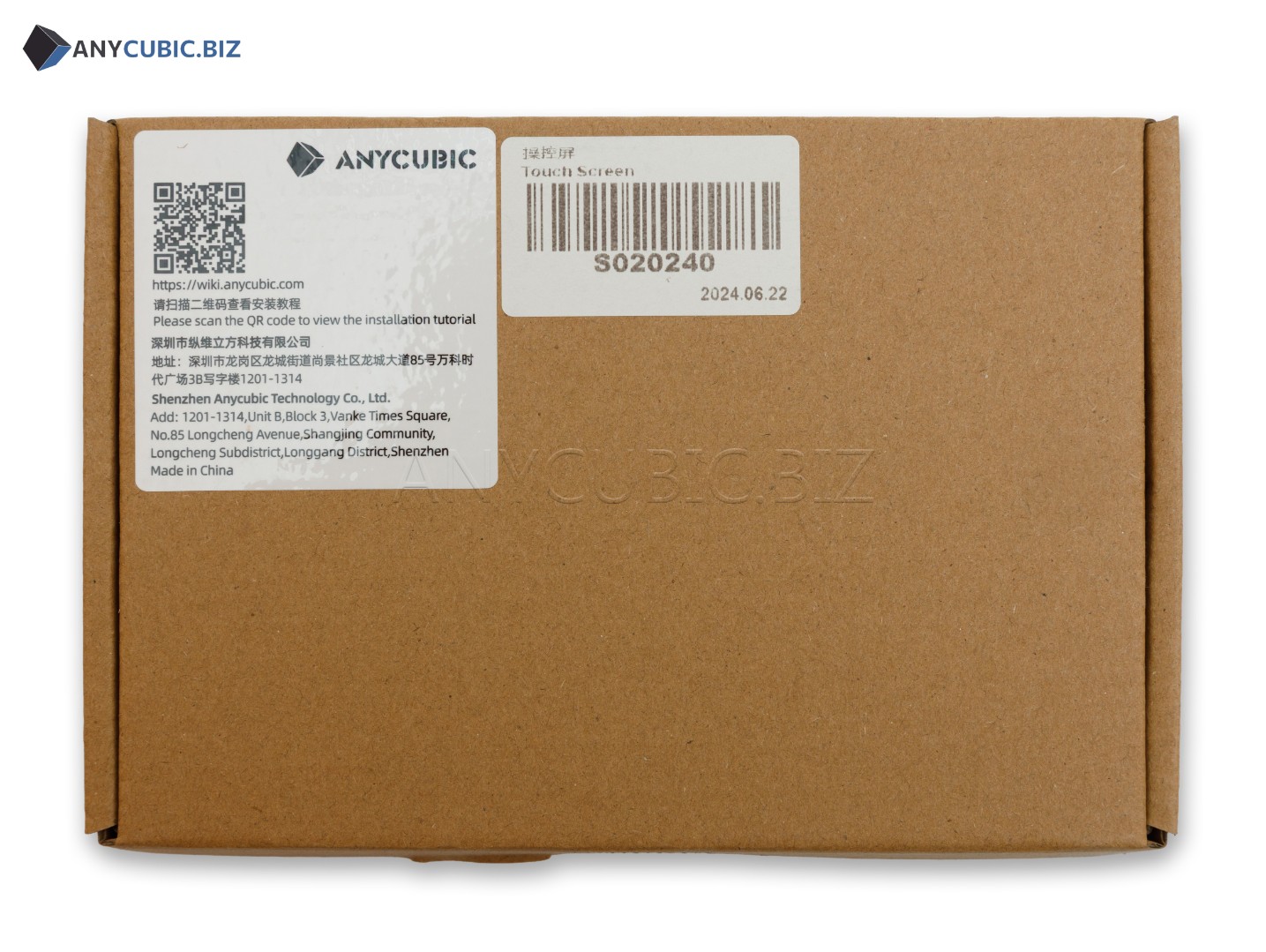
| SKU | S020240 |
| Совместимый принтер | Anycubic Photon Mono M7 |
| Назначение | Управление принтером, меню, запуск печати, контроль состояния печати |
| Тип принтера | Фотополимерный LCD MSLA 3D принтер |
| Категория | Запчасти и аксессуары для Anycubic Photon Mono M7 |
Сенсорный экран управления отвечает только за интерфейс и управление принтером. Он не участвует в формировании изображения слоя во время печати. Если проблема связана с засветкой смолы, отсутствием изображения на рабочем LCD, дефектами слоя или неравномерной экспозицией, вероятно нужна проверка основного LCD экрана, материнской платы, шлейфов или источника света. Если проблема в меню, отклике на касания или отображении интерфейса, тогда нужна проверка сенсорного экрана управления.
Деталь предназначена для фотополимерного 3D принтера Anycubic Photon Mono M7.
Нет. Это сенсорный экран управления. Основной LCD экран засветки это другая запчасть.
SKU товара: S020240.
Замена нужна, если экран не реагирует на касания, неправильно отображает меню, поврежден механически или не позволяет управлять принтером.
Да, при наличии опыта ремонта электроники и аккуратной работе со шлейфами. Перед заменой обязательно отключите питание принтера.
Этот товар указан для Photon Mono M7. Для Photon Mono M7 Pro и Photon Mono M7 Max нужно подбирать отдельную совместимую версию экрана управления.
На текущий момент у товара нет ни одного отзыва.
Ваш отзыв станет первым.
Поделитесь мыслями, своим мнением о товаре.
Благодарим за оставленные отзывы. Для того, чтобы оставить свой отзыв, просто заполните форму ниже.